
SLA risk and Escalated
Use SLA risk to find approaching or overdue first-reply and resolution targets. Open Escalated to see conversations with a recorded escalation.
Support Inbox
Route email and WhatsApp to a shared support queue. Assign an owner, see who’s waiting, and track first-reply and resolution targets.
Part of my order is missing
Queues and ownership
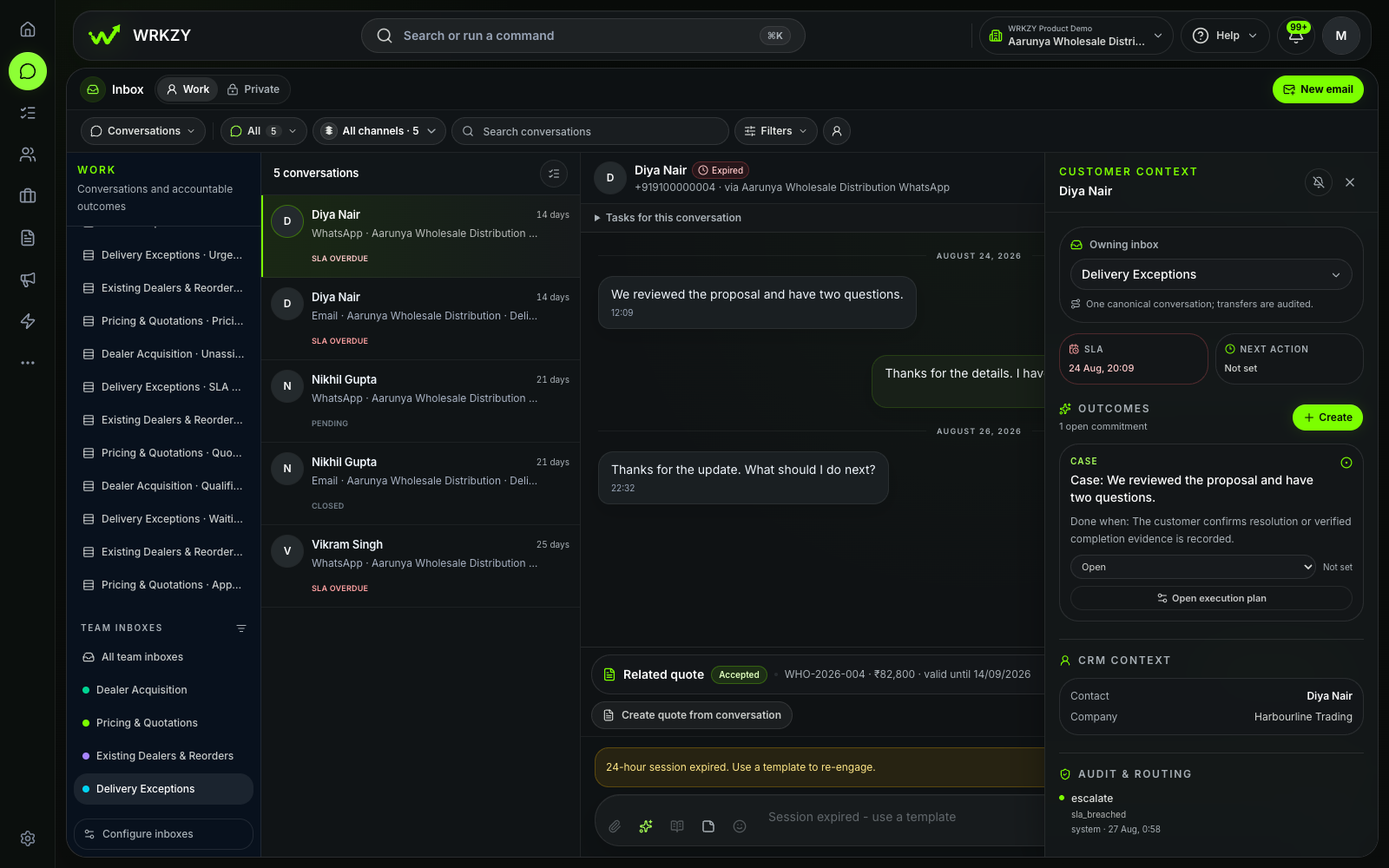
Open Work and select a team inbox configured for Support. Use Needs reply or Unassigned to find new work, then assign someone to handle the request.
Use SLA risk to find approaching or overdue first-reply and resolution targets. Open Escalated to see conversations with a recorded escalation.
Choose Waiting on customer when you need their reply. Assign an owner before choosing Waiting on our team, and set the next action when someone needs to follow up.
Record how the request ended when you resolve the conversation. Reopen it if the customer needs more help.
Routing and service levels
Choose the Support purpose in Team inboxes. Route a shared email address or a connected WhatsApp sender, then configure access and assignment.
Set the routing strategy, fallback owner, capacity, and overflow inbox. Use Test routing to preview where a request will go before saving.
Configure working hours and separate first-reply and resolution targets. Choose whether to pause the SLA while waiting on the customer.
Choose who handles escalations and configure reassignment where needed. Use inbox roles to control who can manage, work in, or view the queue.
Support Inbox report
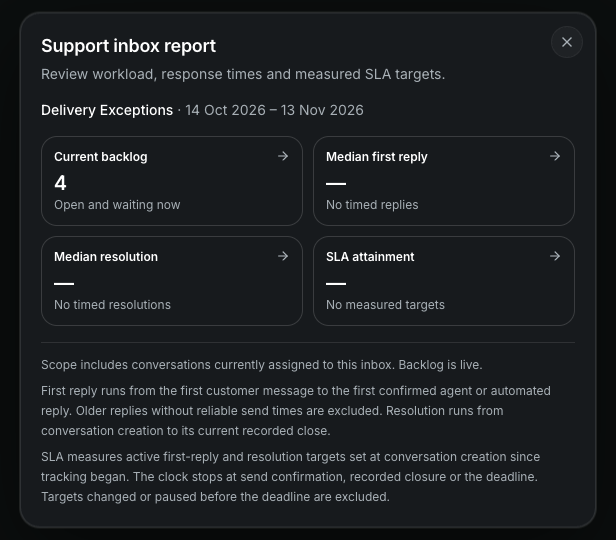
Authorized workspace and inbox managers can open Reports from the selected Support inbox.
Check how many requests are open or waiting in this inbox now.
See median first reply, median resolution, and how often measured targets were met in the selected period. Open a metric to see the conversations behind it.
FAQ
Yes. Connect a shared address such as support@ and route it to a Support inbox. You can route a connected WhatsApp sender to the same inbox.
Authorized workspace managers and managers of the selected Support inbox can open Reports. Use workspace Insights for reporting across the business.
Yes. Configure working hours, first-reply and resolution targets, and waiting-on-customer rules for each Support inbox.
Try Support Inbox
Connect a channel, give incoming requests a team, and set your first service targets.
Start free trial14-day Growth trial · No card required