
Find the right thread
Search your private mail, browse folders, and filter by unread status, CRM association, or sharing visibility. Archive or trash mail from the thread.
Private Mail
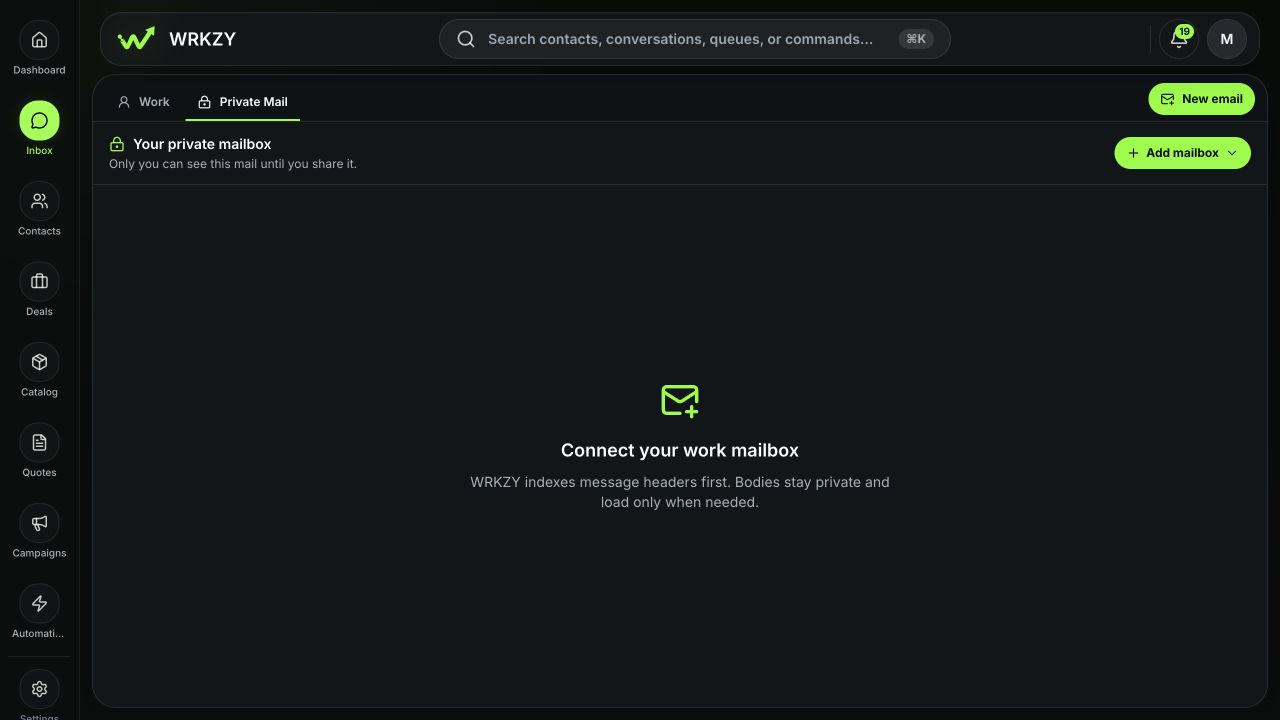
Connect your own work mailbox to WRKZY. Link email to a customer record, share selected context, or hand over future replies when the team needs to take over.
Revised quote for Friday
Mailbox and replies
Connect an individual Google Workspace or Microsoft 365 mailbox from Inbox → Private. Switch between connected mailboxes or see them together.
Search your private mail, browse folders, and filter by unread status, CRM association, or sharing visibility. Archive or trash mail from the thread.
Write from your work identity, open attachments, or pick up a saved reply draft. Check that its attachments are in place before sending.
Associate the thread with a contact, company, deal, or quote. The subject, participants, messages, and attachments stay private when you link it.
Sharing and handover
If a customer asks you for a revised quote, give Sales only what it needs to act. Choose the destination inbox and review what will be included.
Share activity, an approved summary, or selected messages and attachments. The original stays in Private Mail.
Give the team a named piece of work, such as sending the revised quote by Friday, while keeping the source email private.
Choose a team inbox with a verified sending identity. Review the included content, then let the team handle future replies from Work.
Privacy controls
Choose your sync settings for each mailbox. Check the Privacy audit after sharing to see which context went to which team.
Choose CRM-focused sync, limit it to CRM contacts, or opt in to the private Inbox and Sent folders. Load attachment files on demand.
Choose whether AI can use a private mailbox. The owner reviews any context before sharing it with a team.
Use the Privacy audit to review the destination and scope. You can revoke eligible activity-only and approved-summary shares.
FAQ
Only the mailbox owner can read unshared mail. Team search follows the destination inbox’s access rules, and team AI can use active context the owner has approved for sharing.
Use a shared inbox for a group address such as support@ or sales@ when the team needs to route, assign, and reply to messages together from the start.
Open Private Mail to add or manage your work mailbox. Read the Private Mail setup guide for sync, reconnect, and disconnect options.
Try Private Mail
Connect your work email and choose what to share when a teammate needs to act.
Start free trial14-day Growth trial · No card required