
- Permission to create or manage quotes
- A verified customer, company, conversation, or deal
- Approved catalog items, prices, discounts, tax treatment, and terms
- The person responsible for commercial approval
Start from customer and deal context
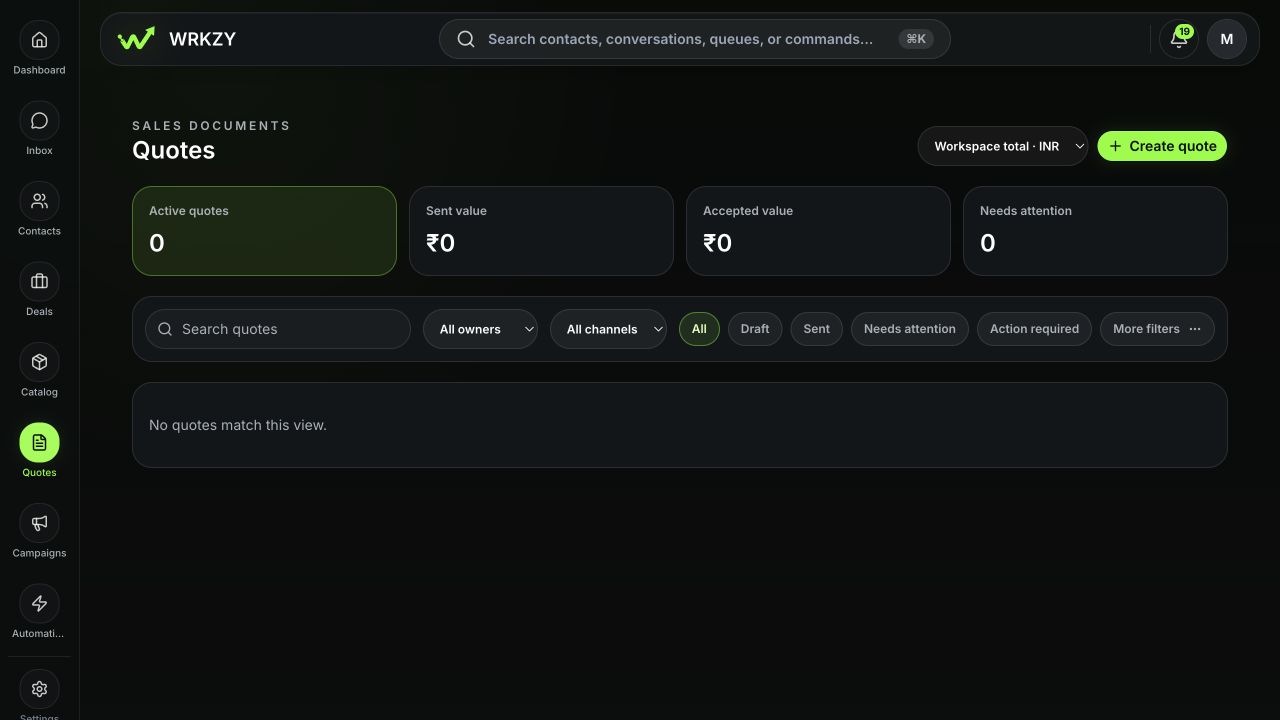
Create a quote from the relevant contact, conversation, or Deal Room when possible. Confirm the buyer, company, linked deal, owner, currency, and latest commercial request. Search Quotes for an open draft or revision before creating another offer.
 Open full size
Build the offer
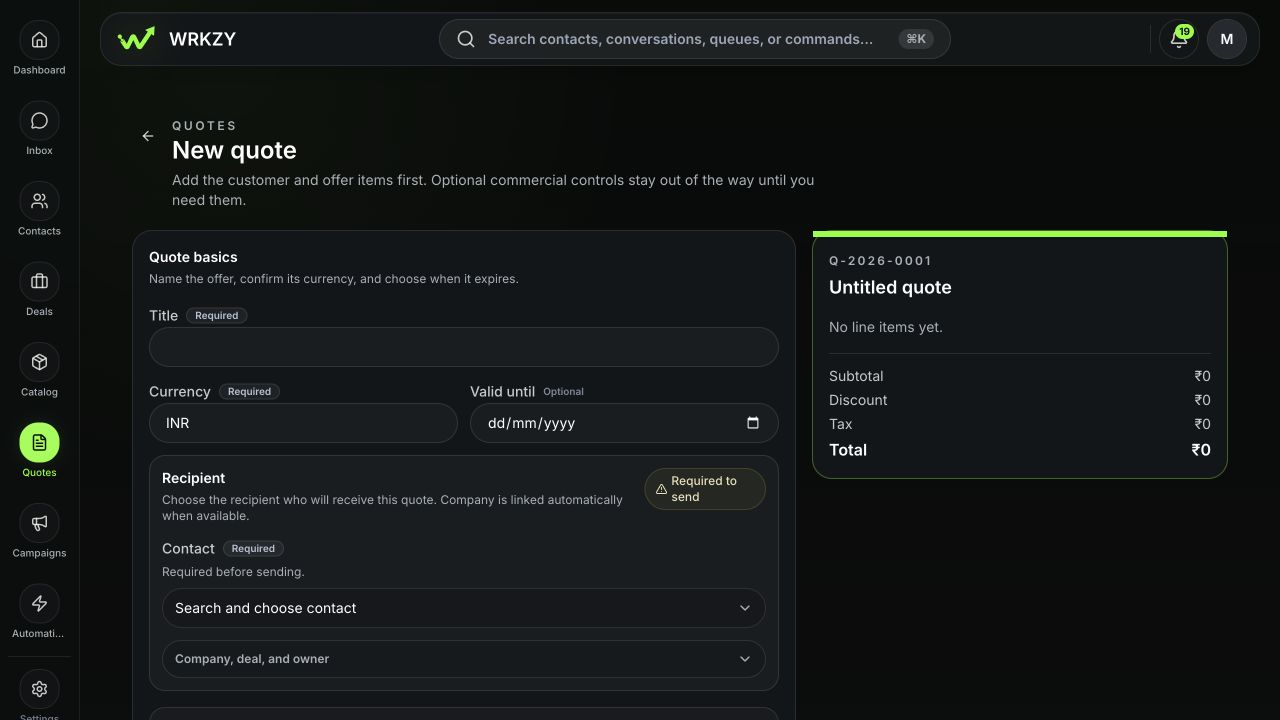
- Open Quotes and choose Create quote.
- Select the contact or company and link the deal or conversation that explains the offer.
- Confirm the generated quote number, title, owner, currency, and validity date.
- Add active catalog items. Review name, description, quantity, unit price, discount, tax, and line total; do not assume the catalog default fits this buyer.
- Add customer-selectable quantities or optional lines only within ranges the organization is prepared to honor.
- Use packages when the buyer should compare pre-approved options. Mark one recommended option only when the recommendation is appropriate for this customer.
- Select payment terms, customer-facing notes, and terms. Keep internal commentary out of buyer-visible fields.
- Choose the approved design or template and inspect every enabled section.
 Open full size
Review before approval or sharing
| Area | Verify |
|---|---|
| Identity | Buyer, company, owner, quote number, and linked deal |
| Scope | Every line, package, optional item, and quantity range |
| Money | Currency, unit prices, discounts, taxes, subtotal, and total |
| Terms | Payment terms, validity, delivery assumptions, and exclusions |
| Presentation | Brand, logo, dates, contact details, and section visibility |
| Workflow | Approval status, delivery channel, and follow-up owner |
Preview the customer-facing document at a readable width and download the PDF when that is part of the delivery. Compare totals with the linked deal; a difference may be legitimate, but it should be understood.
Approval and immutability
If commercial rules require approval, submit the draft and wait for an authorized decision. Do not lower a discount, value, or scope temporarily to bypass approval. Once a quote is sent, create a revision to change customer-facing content; the original remains in lineage and history.
Verify after saving
Reopen the quote and confirm Draft status, totals, validity, approval state, linked context, and preview. If Share is unavailable, resolve the displayed readiness blocker rather than copying an ungoverned link.
- Correct buyer and deal linked
- Catalog scope and quantities checked
- Currency, discount, tax, and total reconciled
- Validity and terms approved
- Buyer preview and PDF inspected
- Approval state and follow-up owner clear