
- A maintained catalog with active products or services
- Verified customer, conversation, quote, or engagement context
- A human owner who will review recommendations before customer use
What Catalog insights measures
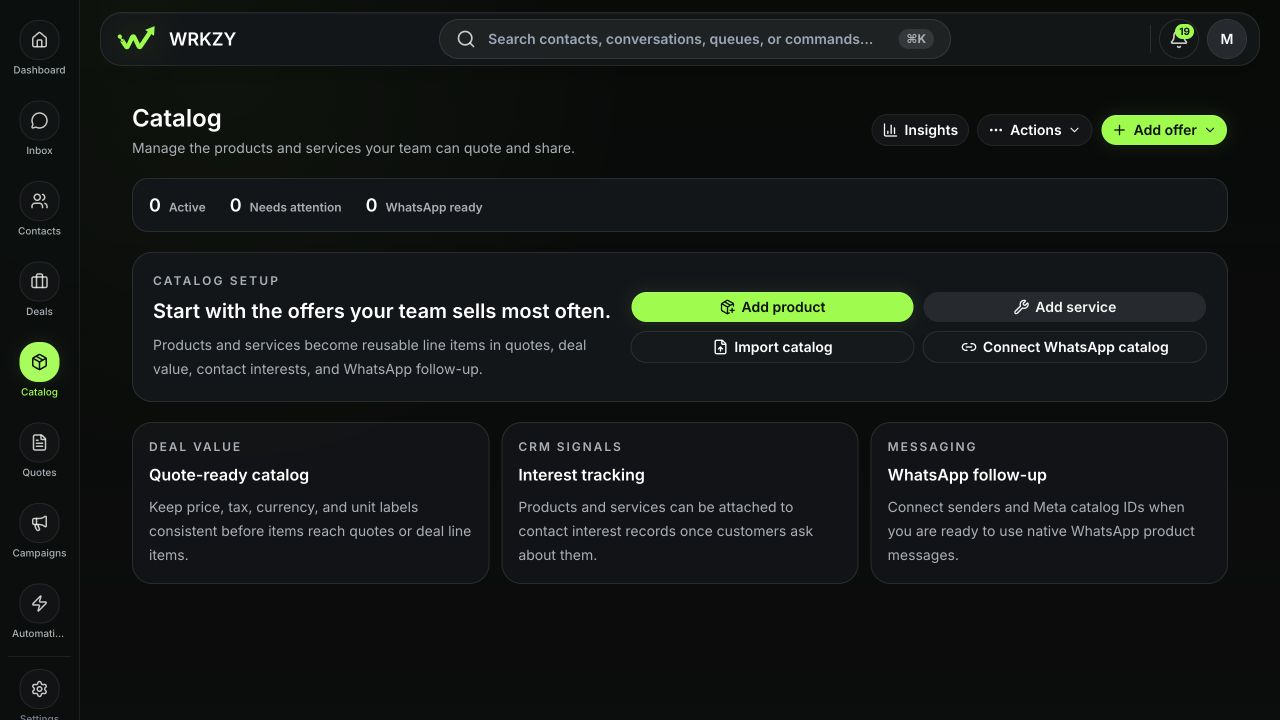
Open Catalog → Insights to inspect sales performance, customer interest, offer opportunities, and delivery issues. The workspace can surface share funnel counts, pending or reviewed interest, extraction health, objections, accepted revenue by currency, item performance, stale prices, channel gaps, and post-sale handoff state.
Counts describe recorded WRKZY activity. They do not prove causation or customer intent by themselves.
 Open full size
Review interest before acting
Offer 360 shows Customer interest by state, including Interested, Asked price, Demo requested, Quoted, Bought, and Not interested. WRKZY may detect interest from authorized conversation context, but a pending detection requires human review before it updates the CRM.
- Open the pending interest event.
- Read the cited customer evidence and confidence.
- Confirm that the contact and offer are correct.
- Accept the event when it accurately reflects the customer, or reject it when it is ambiguous, stale, or unrelated.
- After accepting, set an owner and next action appropriate to the state.
Read the funnel diagnostically
| Signal | Ask | Possible action |
|---|---|---|
| Many shares, few replies | Was the audience or offer relevant? | Review recipient context and message |
| Many quote requests, few accepted | Are price, scope, or terms mismatched? | Inspect objections and revisions |
| Stale prices | Can sellers trust the current amount? | Create or approve a current price version |
| Channel gaps | Can the offer be shared as intended? | Fix image or WhatsApp catalog mapping |
| High interest, low follow-up | Is ownership missing? | Assign relationship work |
Use Offer 360 for one item
Open a catalog item to inspect prices, demand, related offers, channel readiness, quote metrics, recent share events, top objections, and history. Compare accepted value by currency rather than combining amounts without current conversion settings. Cost and margin remain permission-restricted.
Verify the business effect
After accepting an interest signal or changing a price, check the contact, deal, or quote where the next action should occur. Insights are useful only when they produce accountable work or a documented decision not to act.
Recover from misleading or missing insight
Reject an incorrect pending interest rather than editing customer data to fit it. If metrics look incomplete, check the source share, quote, delivery, currency setup, and review state before drawing a conclusion. Preserve the offer and event identifiers when a source event is present but the insight did not update.
- Metric scope and time context understood
- Customer evidence read before accepting interest
- Contact and offer identity verified
- Currency not combined without readiness
- Owner and next action assigned
- Outcome checked in the source CRM record